Drive. It records.
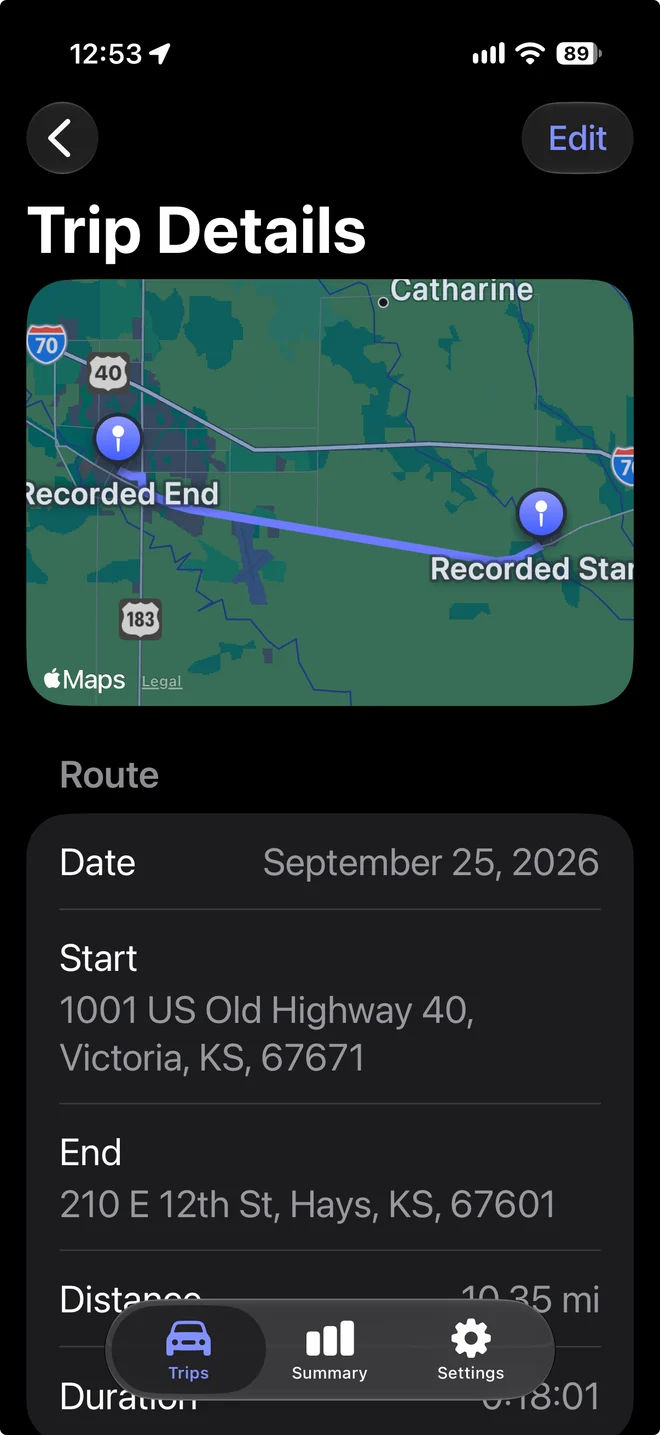
Automatic trip detection helps keep your mileage log moving while you go about your day.
 TripSwipe
MILEAGE TRACKING, SIMPLIFIED
A simpler way to keep track of your work miles. Record your drives, swipe Work or Personal, and get on with your day.

Made for iPhone & iPad · iOS 18+
YOUR MILES. YOUR BUSINESS.
Your routes, mileage, and notes are stored privately on your device, not on our servers. You choose when to export or share them.
Also local on iPhone. Apple provides address lookup; device backups depend on your settings.
Privacy, plainlyTHREE LITTLE STEPS
You’ve got work to do. Your mileage app should keep things simple.
Automatic trip detection helps keep your mileage log moving while you go about your day.
Separate Work from Personal with a swipe. Add a business purpose and keep the details together.
Turn your trip history into a useful CSV mileage report, ready for your own records or reimbursement.
A LOOK INSIDE
Your trips, your totals, and your exports. Right where you need them.
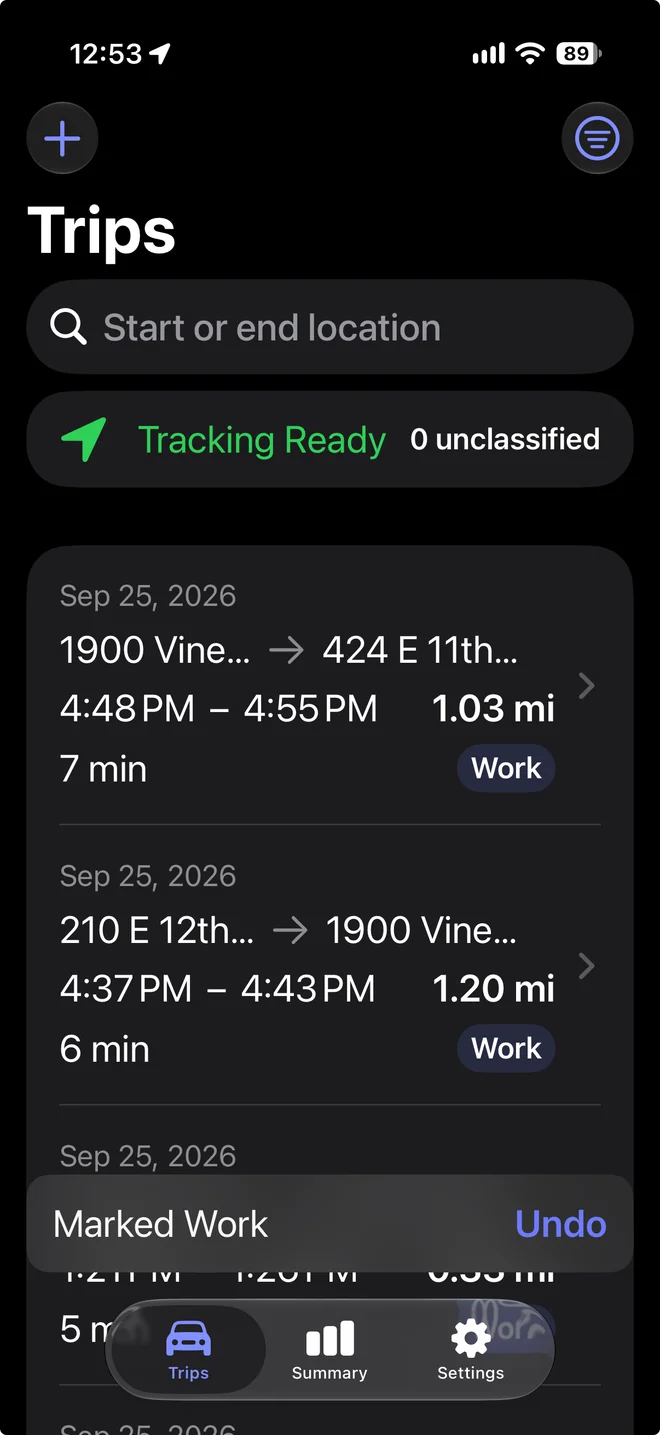
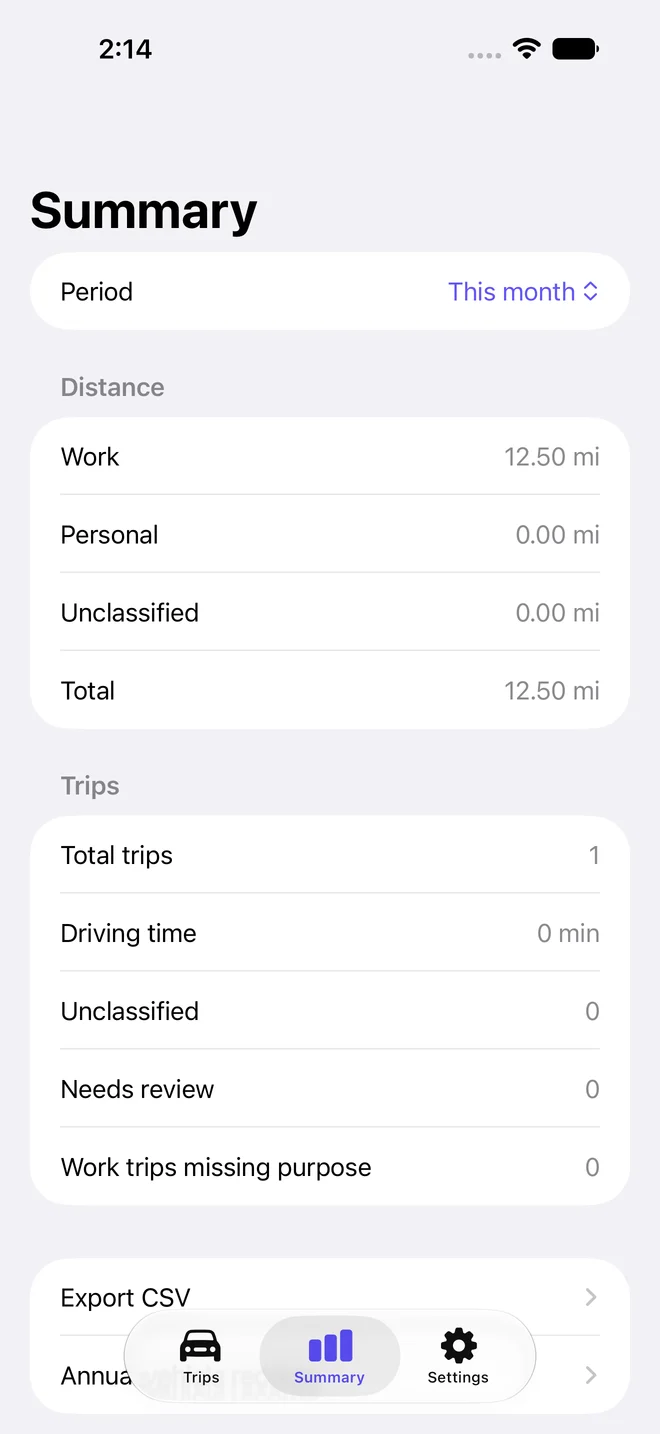
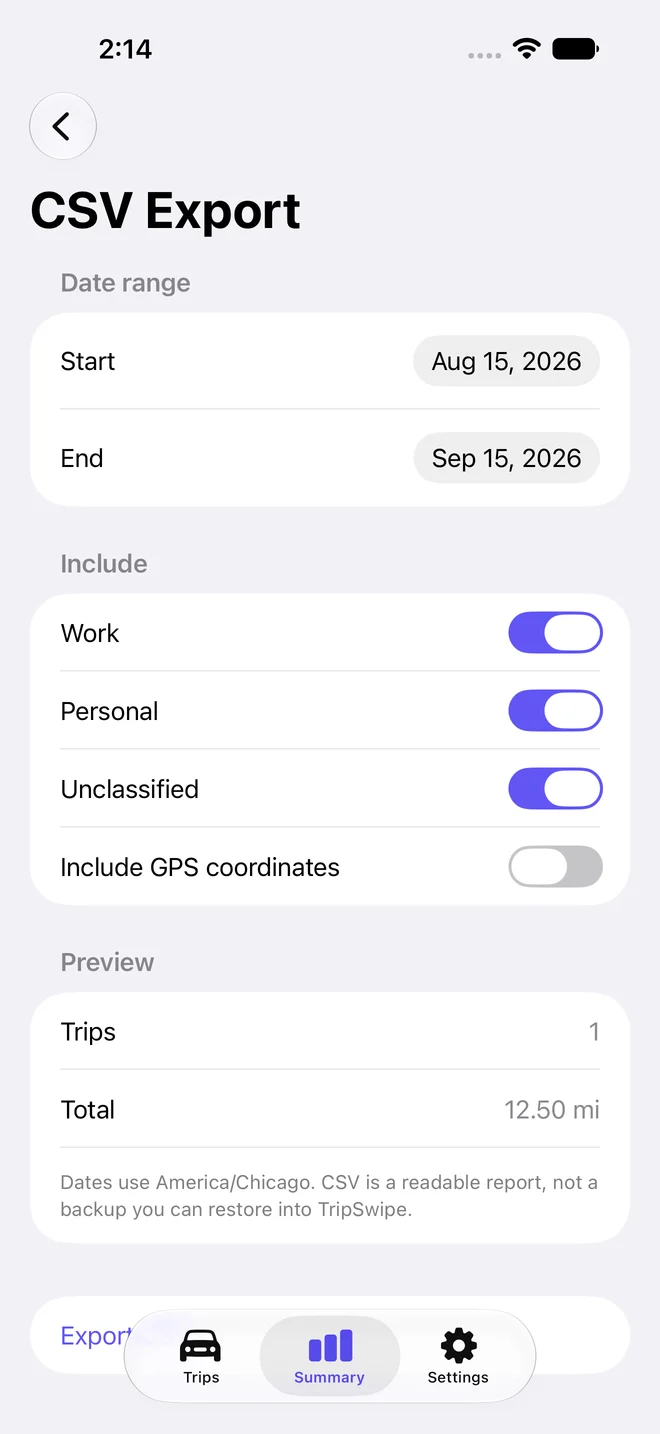
Actual app screens in light and dark mode. Summary uses an illustrative, manually entered trip.
YOUR MILES ARE YOUR BUSINESS
Your trip history stays in the app’s private storage on your device. No advertising or analytics in the app. No separate account to create.
Apple turns recorded trip endpoints into readable addresses and handles subscriptions. You decide when to export reports or share a backup.
The full privacy pictureSMALL PRICE. ONE LESS THING TO DO.
Automatic tracking and straightforward records.
Start with one month free.
per month after your free trial*
One-month free trial for eligible customers. Then $1.99/month (U.S.). Subscription automatically renews unless canceled at least 24 hours before the trial or current period ends. Manage or cancel in your Apple account settings. Manual entries, existing records, editing, exports, and backups remain available without an active subscription. Subscription details & terms.
Anyone who drives for work and wants a simple mileage log: independent workers, small-business owners, and employees keeping reimbursement records. No extra business-management tools to learn.
Yes, with automatic tracking enabled, an active subscription, and the necessary location permissions. iOS background behavior, GPS conditions, and the selected tracking mode affect detection. Very short drives can be missed, so review your records and add a manual trip when needed.
Yes. Add missed trips manually, edit completed records, and add your vehicle and business purpose. Corrections retain their history and original recorded route evidence.
Automatic tracking ends when your access expires. Your saved records remain available to view, edit, classify, export, and back up. Manual trip entry remains available too.
No. TripSwipe stores records locally. You can save a portable JSON backup and restore it yourself. Normal device backups may include app data depending on your backup settings. Recorded endpoint coordinates go to Apple for address lookup.
TripSwipe helps you keep mileage records, including business purposes and annual vehicle records. It does not determine tax eligibility or calculate deductions. Review the records for accuracy and ask your tax professional what applies to you.
Let’s make mileage the simple part of your day.